
What Happens to Your eSIM When You Change Phones?
 Owen5 min read
Photo by Catalin Dumitrascu on Unsplash
On this page
Every eSIM profile is cryptographically bound to a single eUICC chip at the moment of installation. That one fact explains almost everything about what happens when you switch phones: your carrier can usually reissue the profile to a new chip, but a prepaid travel eSIM tied to a one-time QR code generally cannot follow you.
The details depend on who issued the eSIM and which phones you're moving between.
Carrier eSIMs vs. Travel eSIMs: Different Rules
People assume all eSIMs behave the same way. They don't.
Carrier eSIMs are your main phone line: AT&T, Verizon, T-Mobile, EE, Vodafone. These carriers have systems to move your plan between devices. They want you to upgrade phones without switching carriers, so they make transfers relatively painless.
Travel eSIMs are prepaid data plans from providers like Only eSIM, Airalo, or Holafly. These profiles are locked to the device they were first installed on. Most travel eSIM providers don't support transfers between devices. Delete the profile or switch phones, and you'll need to buy a new one.
Why the difference? Carrier eSIMs are tied to your account and phone number, so the carrier can reissue the profile to any device. Travel eSIMs are tied to a one-time QR code. Under the GSMA Remote SIM Provisioning standard, once a profile is downloaded to a specific eUICC, there's no account infrastructure to move it elsewhere.
How Carrier eSIM Transfers Work
iPhone to iPhone (Quick Transfer)
Apple's eSIM Quick Transfer makes this almost automatic if your carrier supports it. During initial setup, your new iPhone detects eSIM plans on your old device and asks if you want to transfer them. Tap confirm on both phones, wait a minute or two, done.
Requirements: iOS 16 or later on both devices. WiFi and Bluetooth on. Both phones nearby. Your carrier must support Quick Transfer (AT&T, Verizon, and T-Mobile do in the US; support varies elsewhere).
Already past setup? Go to Settings > Cellular > Add eSIM > Transfer From Nearby iPhone.
Android to Android
Less standardized. Samsung, Google, and others each handle it differently.
Samsung Galaxy: Go to Settings > Connections > SIM Manager > Add eSIM, then select "Transfer SIM from another device." Both phones need One UI 5.1 or later. Carrier support required.
Google Pixel: Settings > Network & Internet > SIMs > Transfer SIM. If your carrier supports it, you can pull the eSIM from your old device.
Everyone else: Check the setup wizard on your new phone for an eSIM transfer option. If it's not there, call your carrier for a new QR code.
When Automatic Transfer Isn't Available
Contact your carrier. Tell them you have a new phone. They'll deactivate the old profile and send you a new QR code or activation details. Most handle this in a single phone call or chat, usually under 15 minutes. Some carriers let you do it through their app too.
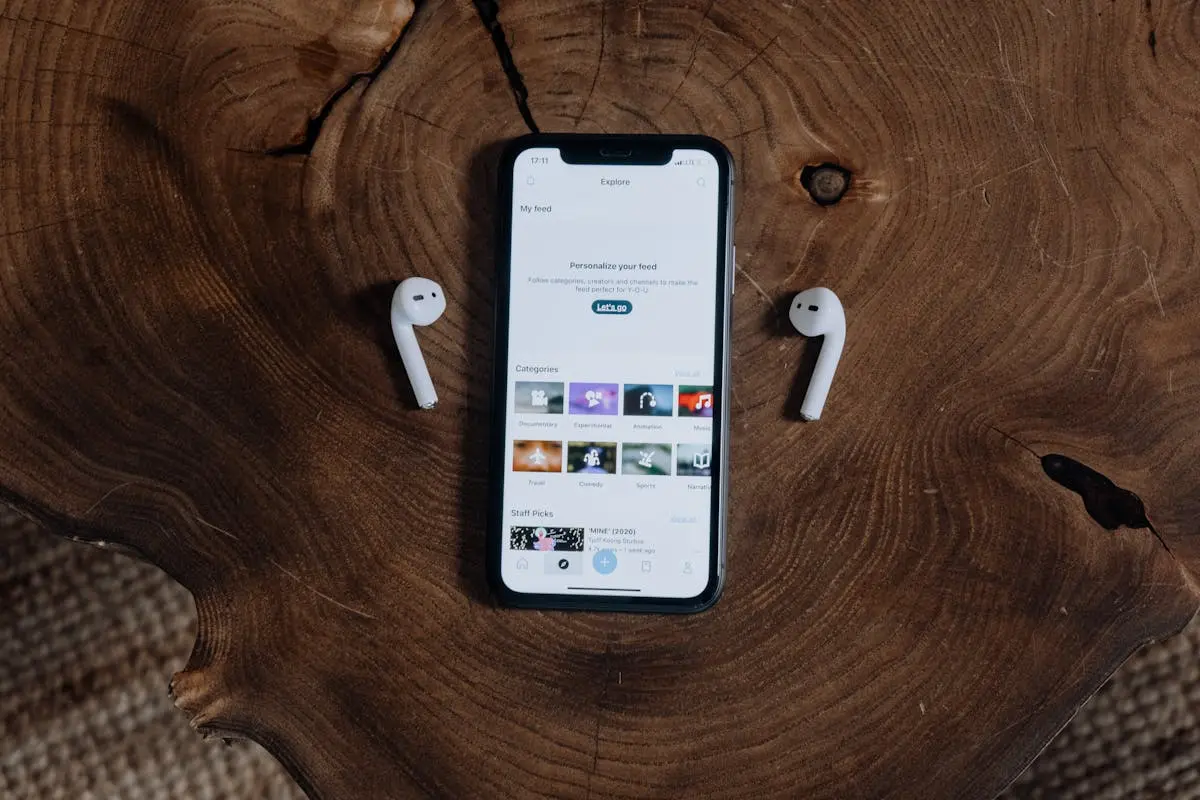
When switching phones, your carrier eSIM can usually transfer automatically. Travel eSIMs need a fresh install on the new device.
Travel eSIMs: What to Know
Travel eSIM profiles are tied to the device where they were first installed, so they don't transfer automatically during a phone upgrade. This is an industry-wide limitation of how eSIM provisioning works — the QR code binds to your specific chip.
The good news: getting reconnected is quick.
- Switching phones before a trip? Just buy a new plan for the new device. At Only eSIM, the whole process takes two minutes.
- Have unused data on your old phone? Keep the old phone around as a WiFi hotspot until the data runs out.
- Accidentally deleted your profile? The original QR and activation code cannot reinstall it. Contact Only eSIM support with your order number so we can review replacement options.
Before You Switch
Handle your eSIMs before you start the phone transfer process.
Inventory your profiles. Open your eSIM settings and note what's installed. Carrier plans, travel eSIMs, expired plans you forgot about.
Keep your order confirmations. Save the order number for each travel eSIM. If a profile is lost or deleted, support will need that identifier to review replacement options; the original one-time QR code cannot reinstall a deleted profile.
Don't factory-reset your old phone yet. Keep it powered on and nearby until every eSIM is transferred and working on the new device. Test calls, texts, and data before wiping.
If Your Old Phone Is Gone
Phone lost, stolen, or broken? Your eSIM isn't gone forever, but you can't self-serve.
For carrier eSIMs, call your carrier. They'll verify your identity, deactivate the old eSIM, and provision a new one for your replacement. Your number stays yours.
For travel eSIMs, contact the provider. Some will issue a replacement if you had unused data. Others will ask you to buy a new plan.
Act quickly if the phone was stolen. Having the carrier deactivate the eSIM prevents anyone from using your service.
The Short Version
Carrier eSIMs transfer reasonably well, especially between iPhones. Travel eSIMs mostly don't transfer at all. Treat a phone switch as an eSIM fresh start: move your carrier plan through the setup wizard, buy new travel eSIMs for the new device, and don't wipe your old phone until everything works.
Not sure if your new phone even supports eSIM? Our compatibility check guide walks through it for every major brand. For a broader overview of the technology, the plain-English eSIM guide covers the basics. And when you're ready to set up a travel eSIM on your new phone, the installation guide has step-by-step instructions.
Browse Only eSIM plans for your next trip.
Find data for your next trip
Compare coverage, data and validity before choosing your eSIM.
Browse destinationsMore for your trip

Learn
How to Check if Your Phone Supports eSIM
Step-by-step instructions for checking eSIM compatibility on iPhone, Samsung, Google Pixel, and other Android devices. Plus how to tell if your phone is carrier-locked.
Owen5 min read
Learn
How to Install and Activate an eSIM
Step-by-step eSIM installation guide for iPhone and Android. Covers QR code scanning, manual activation code entry, and fixes for the most common setup failures.
Owen7 min read
Learn
Can You Use an eSIM for Calls and Texts, or Just Data?
Most travel eSIMs are data-only, but that doesn't mean you can't make calls. Here's how data-only vs voice eSIMs work, plus the apps that let you call and text over any data connection.
Owen4 min read