
What Is an eSIM? A Plain-English Guide for 2026
 Owen4 min read
On this page
Since 2016, a tiny chip soldered to your phone's motherboard has been quietly replacing the plastic SIM card. It's called an eSIM (embedded SIM), and by early 2026 it ships in virtually every flagship phone sold worldwide. If you've ever wondered what it actually does, whether your phone has one, or why travelers keep talking about it, this guide covers all of it.
The 30-Second Explanation
An eSIM is a SIM card built into your phone's hardware. Instead of sliding a plastic chip into a tray, you download a carrier profile digitally, usually by scanning a QR code. Your phone connects to the cellular network the same way it always has. The only difference is there's nothing physical to insert.
The "e" stands for embedded. The chip (technically called an eUICC, for Embedded Universal Integrated Circuit Card) is soldered directly onto the device's motherboard at the factory.
How It Actually Works Under the Hood
Every phone needs a SIM to authenticate with a cellular network. A traditional SIM card stores your subscriber identity, carrier credentials, and encryption keys on a removable plastic chip. An eSIM stores all the same information, just on a chip that's permanently part of the phone.
When you scan a QR code or enter an activation code, here's what happens behind the scenes:
- Your phone's Local Profile Assistant (LPA) reads the activation data
- The LPA contacts a secure server called an SM-DP+ (Subscription Manager Data Preparation) over HTTPS
- The server and your phone's eUICC chip verify each other's identity using certificates issued by the GSMA
- Once trust is established, the carrier profile downloads to the eUICC
- The profile activates, and your phone connects to the network
The whole exchange follows a standard called SGP.22, published by the GSMA. That's why eSIMs from different providers all work the same way on your phone.
In practice? You scan a code, wait about 30 seconds, and you're connected. The cryptography happens invisibly.
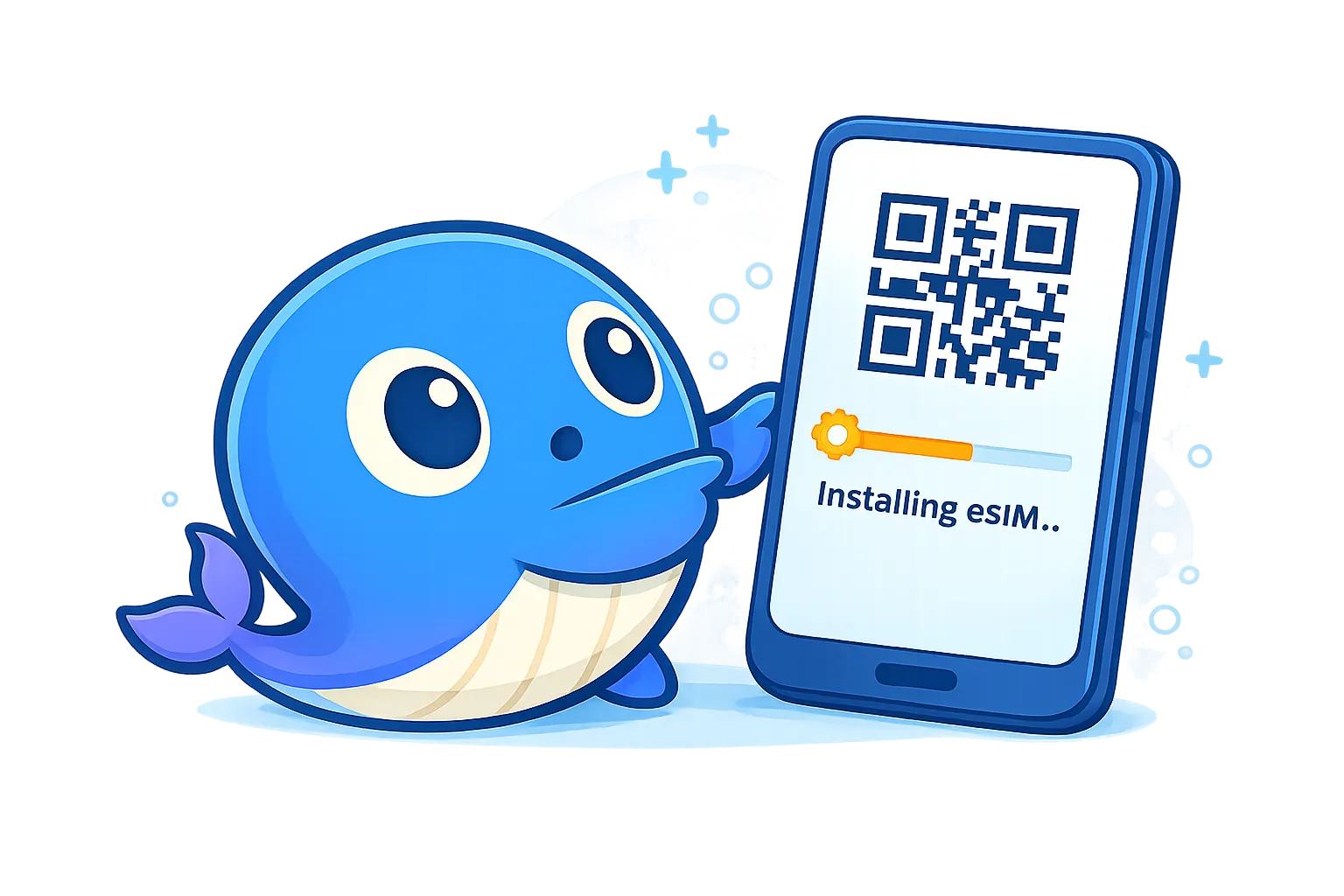
Scanning a QR code is all it takes. Your phone handles the secure download and activation behind the scenes.
Which Phones Support eSIM
eSIM has gone from niche to standard. As of early 2026, the major device families that support it:
Apple iPhone: Every model from the iPhone XS (2018) onward supports eSIM. Starting with the iPhone 14, US models dropped the physical SIM tray entirely. The iPhone 17 expanded eSIM-only to 12 countries including Canada, Japan, and the UAE. The iPhone Air is eSIM-only worldwide — including China, where it works through China Unicom — a first for any iPhone.
Samsung Galaxy: The Galaxy S20 series and newer, including the S21 through S25 lines, plus every Galaxy Z Fold and Z Flip model. One caveat: US-sold Samsung models historically shipped with eSIM disabled, only gaining it through later software updates (One UI 4 / Android 12+). If your Galaxy was bought in the US, make sure it's fully updated.
Google Pixel: Pixel 3a and every model since for broad carrier support. (The Pixel 2 technically had eSIM hardware in 2017, but it only worked with Google Fi.) Regional exceptions: the Pixel 3 lacks eSIM in Australia, Taiwan, and Japan; the Pixel 3a lacks it in Japan, Southeast Asia, and on Verizon US.
Others: Motorola Razr, select Oppo, Xiaomi, and Huawei models. The list grows every quarter.
Important: Your phone must be carrier-unlocked to use a travel eSIM. A locked phone can only use eSIM profiles from the carrier it's locked to.
Not sure if your phone supports eSIM? On iPhone, go to Settings > Cellular. If you see "Add eSIM," you're set. On Android, check Settings > Network & Internet > SIMs.
For travelers, the practical difference is simple: no kiosk, no plastic SIM, and no tray to open after landing.
eSIM vs. Physical SIM
They do the same job. The differences come down to logistics.
A physical SIM is a plastic card you insert into a tray. You need an ejector pin (or a paperclip, if you're improvising). If you travel frequently, you end up with a small collection of SIMs from different countries, maybe in a ziplock bag, probably unlabeled.
An eSIM is a digital profile you download. No tray, no pin, no plastic. When a plan expires, you delete the profile. When you need a new one, you scan another QR code.
The practical win for travelers: you set up your eSIM at home before your flight. The moment you land and turn off airplane mode, you have a working data connection. No hunting for a SIM vendor after a 14-hour flight. If you want to see what that looks like in practice, our Japan eSIM guide walks through the full setup.
Dual SIM: Keep Your Number, Add Local Data
Most eSIM-capable phones support dual SIM, meaning your physical SIM and an eSIM can be active at the same time. This is the setup most travelers use:
- Physical SIM: Your home carrier. Keeps your phone number active for calls and texts.
- eSIM: A local data plan for your destination. Cheap data, no roaming charges.
You tell your phone which line to use for data in the settings. Switch back when you get home. The iPhone 17 can run two eSIM lines simultaneously (no physical SIM needed), storing multiple profiles so you can keep plans from past trips saved and ready to reactivate.
Is eSIM Safe?
Yes. In some ways, safer than a physical SIM.
A physical SIM can be removed from your phone and inserted into another device. That's how certain SIM-cloning and port-out scams work. An eSIM can't be popped out. The chip is part of the phone. Someone would need your actual device and your passcode to do anything with it.
The GSMA's provisioning system uses certificate-based mutual authentication between the eUICC and the carrier server. That's a fancy way of saying both sides verify each other's identity before any data transfers.
eSIMs are still vulnerable to SIM-swap fraud at the carrier level (where an attacker convinces your carrier to transfer your number). But that's a carrier security issue, not an eSIM issue, and the risk is identical for physical SIMs.
Why Travelers Are Switching
The old options for getting data abroad all have obvious drawbacks:
- International roaming: Your home carrier charges premium rates. A single day of casual use can cost $10-15.
- Local SIM cards: Requires finding a store, sometimes showing your passport, dealing with language barriers, and temporarily giving up your home SIM (on single-SIM phones).
- Pocket WiFi: Another device to charge, carry, and return before your flight home.
- Airport WiFi: Slow, often insecure, and you lose it the second you leave the terminal.
An eSIM sidesteps all of these. You get local data rates, instant activation, and your home SIM stays in place. The setup process is essentially the same across all providers: buy a plan, scan a QR code, done.
Getting Started
If your phone supports eSIM, the whole process takes less time than ordering coffee. Pick your destination, choose a data plan, scan the QR code, and you're connected.
At Only eSIM, we send the QR code to your inbox within seconds of purchase. Install it before your trip, and you'll be online the moment you land.
Find data for your next trip
Compare coverage, data and validity before choosing your eSIM.
Browse destinationsMore for your trip

Learn
eSIM Security: Is It Safer Than a Physical SIM?
How eSIM technology protects against SIM swapping, physical theft, and cloning — plus the risks that remain and what you can do about them.
Owen4 min read
Learn
eSIM vs Physical SIM: What's the Difference?
A side-by-side comparison of eSIM and traditional SIM cards covering size, switching, security, multi-profile support, environmental impact, and which option fits your use case.
Owen4 min read
Learn
The Future of eSIM: What's Coming in 2026 and Beyond
Where eSIM technology is headed next: iSIM chips built into processors, eSIM in cars and wearables, carrier adoption going mainstream, and the timeline for physical SIM cards to disappear.
Owen5 min read