
Italy eSIM Guide: Rome Arrival, Train Trips, and Data Tips
 Gisele8 min read
Photo by Tournasol7, CC BY-SA 4.0, via Wikimedia Commons.
On this page
Fiumicino's free WiFi works, until it does not. By the time the Leonardo Express pulls into Roma Termini, you want your hotel address, ticket QR, and a backup walking route already loaded, not buffering on a station platform full of jet-lagged travelers waving at signs.
This Italy eSIM guide has the short version first: install before you fly, switch your phone's data line after you land, keep your home line available for bank texts, and plan around the train days where data actually matters most. A physical SIM still works if you want to find an airport kiosk and decode a tariff card on arrival. Most travelers are better off skipping that errand.
Quick answer for travelers
| Decision | Best move in Italy |
|---|---|
| When to install | Before departure, on home WiFi |
| When to activate data | After landing in Italy |
| First real use case | Leonardo Express at FCO, hotel check-in, maps, train tickets |
| Apps that matter on day one | Trenitalia, Italo, Apple Maps or Google Maps, FREE NOW or itTaxi |
| Trip style that needs the most data | Multi-city rail trips with photos, calls, and hotspot use |
| Sensible one-week range | 5-10 GB for normal use, more for hotspot or video |
| Only eSIM plan page | Italy eSIM plans |
If eSIMs are still new to you, read our plain-English guide to what an eSIM is. If you already bought a plan and just want the install flow, use how to install and activate an eSIM before you leave home.
Will an eSIM work well in Italy?
Yes. Italy is a strong eSIM destination because the common tourist routes are exactly where mobile data is most useful: Rome, Florence, Venice, Milan, Naples, the Amalfi Coast, Sicily, and the high-speed corridor between them.
Italy's major mobile networks are TIM, Vodafone Italia, WindTre, and Iliad, and most travel eSIMs route through one of them. Coverage is reliable in cities and along the main rail corridor. The places where signal dips are predictable: long Apennine tunnels on the train, deep metro stretches between stations, the cliff sections of the Cinque Terre, and a few rural pockets between hill towns. None of that is a Telecom Italia problem. It is normal mobile-network physics.
A data-only eSIM is enough for most Italy trips. You will use data for Apple Maps or Google Maps, the Trenitalia and Italo train apps, hotel messages, restaurant bookings, translation, and checking whether the museum entrance is around the corner or on the other side of the block. Keep your home SIM active for bank texts if you rely on them.
Apple's current support page explains how to set up eSIM on iPhone, including travel eSIM setup. Google documents dual SIM and eSIM behavior on Pixel phones. For Samsung and other Android phones, the menu names vary, but the idea is the same: add the eSIM, label it, choose which SIM handles data, and turn on data roaming when the plan instructions tell you to.
Set it up before your airport transfer
For many travelers, the first practical moment is the airport train. Trenitalia says the Leonardo Express connects Fiumicino Airport and Roma Termini in 32 minutes, with departures scheduled every 15 minutes. That is exactly the kind of transfer where you want your ticket, hotel address, and backup route ready before you leave the terminal.
Use this checklist:
- Buy the Italy plan before the flight.
- Install the eSIM on steady WiFi.
- Label the line "Italy" so it is obvious in your cellular settings.
- Keep your home line as default for calls and texts if you need it.
- After landing, make the Italy line your cellular data line and enable data roaming if your plan instructions say to.
If data does not work after a few minutes, do not panic-reinstall the eSIM. Check the boring settings first: the right data line, roaming on, airplane mode toggled off and on, and APN only if your provider gives one. Our eSIM troubleshooting guide covers the usual fixes.
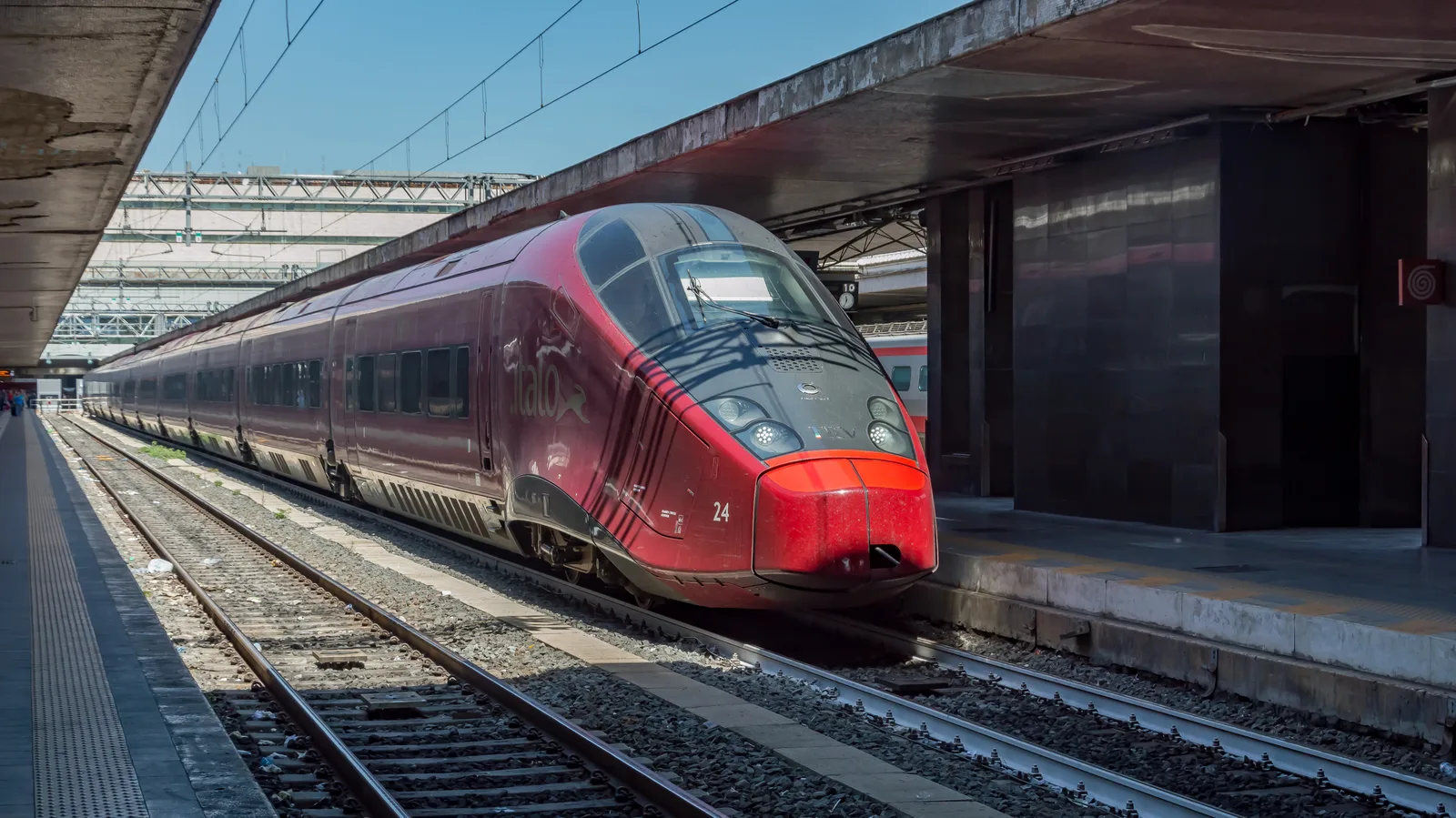
Italy trips often become train trips, so a working data line keeps platforms, ticket apps, and hotel check-in messages from stalling at the worst moment.
Where Italy actually uses your data
Rome burns through phone checks in small pieces. You look up the entrance for the Colosseum, message your apartment host in Trastevere, compare transit and walking routes between Trastevere and Monti, and save a dinner place in Testaccio before the reservation link disappears into your inbox. The annoying part of Rome is not a lack of things to do. It is that streets, ruins, and transit stops rarely line up as cleanly as they look on a map.
Florence is more compact, but data still matters. You will use it for timed-entry tickets to the Uffizi or the Accademia, opening hours during August closures, restaurant backups when the line at a famous trattoria wraps the block, and figuring out whether a gelato stop is genuinely nearby or across a river you did not plan to cross. Venice is stranger. Walking directions can be comically stubborn there, but a live connection still helps with vaporetto timing, hotel messages, and not taking the wrong bridge three times with luggage.
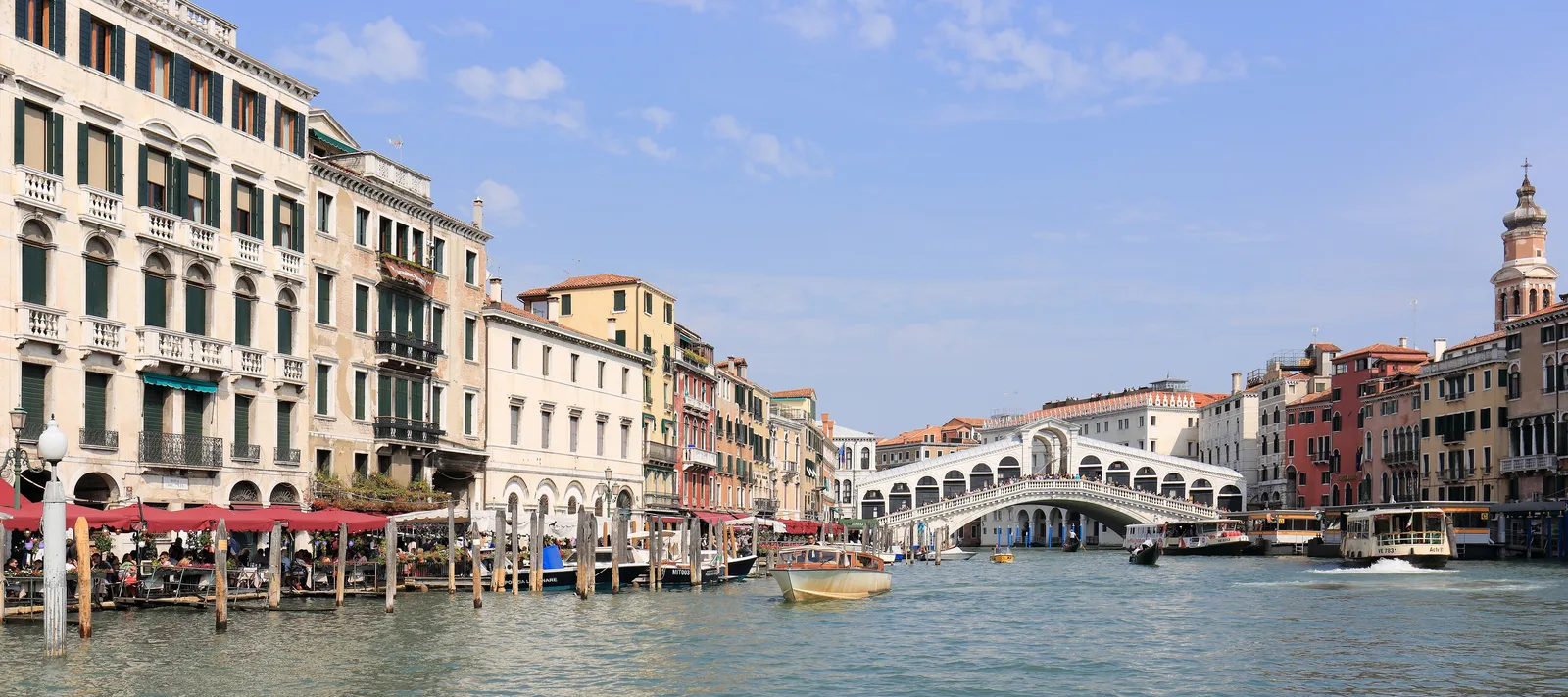
In Venice, data matters less for cars and more for walking routes, vaporetto timing, restaurant bookings, and finding the right bridge without backtracking.
Milan and Naples bring different data needs. Milan is easier with transit, ride apps, and quick neighborhood swaps between Brera, Porta Nuova, Navigli, and the Duomo. Naples is more chaotic in the best way, and your phone earns its keep on ferry plans to Capri or Ischia, Pompeii or Herculaneum day-trip logistics, and staying oriented when the Spaccanapoli grid stops feeling intuitive.
Italy-specific habits that save money
The train system is the rule here, not the exception. Trenitalia and Italo run the high-speed network between Rome, Florence, Bologna, Venice, Milan, and Naples, and most of these tips assume you are riding it.
- Validate paper regional (Regionale) train tickets in the small green or yellow machines on the platform before boarding. App tickets and assigned-seat high-speed tickets are pre-validated by their QR. Skipping validation on a regional paper ticket can land you a fine that travelers regularly mistake for a scam.
- If you are renting a car, do not drive into Rome, Florence, Milan, Bologna, or any historic city center. Most cities have a ZTL (Zona a Traffico Limitato) ringed by cameras that ticket non-residents through the rental company. Park outside the ZTL and walk or take transit in.
- Restaurants charge a coperto (cover charge per person) instead of expecting a tip. Rounding up or leaving a euro or two is plenty when service is good.
- Buy big-attraction tickets through the official site, not from the friendly stranger offering to walk you in. The Colosseum, the Vatican Museums, and the Uffizi all sell timed-entry tickets directly.
- Refuse the "free" bracelet or rose pressed on you near the Trevi Fountain, the Spanish Steps, the Duomo of Milan, or the Rialto. The bracelet goes on your wrist, the price goes up, and a polite "no, grazie" while you keep walking is the only move that ends it cleanly.
- Treat the approach to Roma Termini, Roma Metro Line A, the Vatican area, Piazza del Duomo, and the Rialto crowd as watch-your-bag zones. The U.S. State Department currently lists Italy at Level 2: Exercise increased caution, with terrorism as the advisory reason, so keep the official page in your pre-trip reading rather than relying on old forum advice.
- Use mobile data, not random public WiFi, for account logins or payment confirmations. Our airport WiFi vs eSIM guide explains why public WiFi is a backup, not your main plan.
Food planning is another quiet data use case. You do not need a phone to find pasta, but you will use it to avoid eating next to the worst menu board on the piazza. In Rome, leave time for cacio e pepe in Testaccio, supplì from a corner friggitoria, and pizza al taglio sold by weight near the Pantheon. In Florence, lampredotto from a tripe stand and bistecca alla fiorentina if you are not traveling alone. In Venice, the local move is cicchetti and an ombra of wine at a bacaro, not the canal-side restaurant whose photos look fine on Google Images. Milan is for aperitivo, ossobuco, and risotto alla milanese, and Naples is where you stop trying to relate to pizza in any other city for the rest of your life.
How much data do you need in Italy?
Most Italy travelers use data in bursts, not all day. Maps, messages, tickets, translation, and restaurant searches are light. Social posting, video backup, hotspot use, and streaming on train rides are what change the math.
| Trip style | Sensible starting point |
|---|---|
| Light: maps, messaging, tickets, translation | 0.5-1 GB per day |
| Normal tourist: maps, social posts, ride apps, browsing | 1-2 GB per day |
| Heavy: hotspot, video calls, uploads, streaming | 3+ GB per day |
For most one-week Italy trips, 5 to 10 GB is the practical range. If you are filming Reels, backing up photos over cellular, or sharing data with a laptop, size up. Frecciarossa and Italo offer onboard WiFi as a backup, but it gets crowded on full trains, and cellular usually wins for streaming, calls, or uploads except in the longest Apennine tunnels. If you want the longer version, our guide to how much data you need when traveling breaks down the common app categories.
Bottom line
An Italy eSIM is not about being online every second. It is about removing the first-day scramble and keeping tickets, maps, messages, and bookings working across Rome, Florence, Venice, Milan, Naples, and the train days between them.
Install before departure, switch data after landing, keep your home SIM available for important texts, and choose a plan that matches your actual travel habits. If Italy is your next stop, Only eSIM's Italy plans are the cleanest place to start. If you are continuing on, our Japan eSIM guide, South Korea eSIM guide, and Thailand eSIM guide follow the same setup logic with country-specific tips.
Find data for your next trip
Compare coverage, data and validity before choosing your eSIM.
Browse destinationsPhotos: hero image by Tournasol7, CC BY-SA 4.0, via Wikimedia Commons. Rome Termini train photo by Rob Dammers, CC BY 2.0, via Wikimedia Commons. Venice Grand Canal photo by Martin Falbisoner, CC BY-SA 4.0, via Wikimedia Commons.
🇮🇹 Stay connected in Italy
Compare coverage, data and validity before choosing your eSIM.
Browse Italy plansMore for your trip

Destinations
France eSIM Guide: Paris Arrival, Trains, and Data Tips
A practical France eSIM guide for Paris arrival now that paper metro tickets are gone, plus SNCF train days, timed museum entry, Provence and Riviera trips, data sizing, and the France-only vs Europe plan decision.
Gisele8 min read
Destinations
Turkey eSIM Guide: Istanbul Arrival, Cappadocia, and Data Tips
A practical Turkey eSIM guide for landing at Istanbul Airport or Sabiha Gokcen, riding the M11 metro and Marmaray, planning a Cappadocia balloon morning, dodging Sultanahmet scams, and sizing data for Istanbul, the coast, and Goreme.
Gisele8 min read
Destinations
South Korea eSIM Guide: Seoul, Setup, Transit, and Data Tips
A practical South Korea eSIM guide for travelers: when to install, what to expect on Korean networks, Seoul transit tips, data sizing, and what to do before landing.
 Mia7 min read